5 Things You Must Have Ready Before You Hire A Web Designer

Briefing a web design agency without these five things ready slows the project down before it starts. Agencies spend their first week asking for missing materials instead of designing. You spend yours hunting for files you thought you had. The clients who get the best results are not always the ones with the biggest budget — they are the ones who show up to the first meeting with everything the designer needs to get moving immediately.

1. Your Project Goals for Website Design

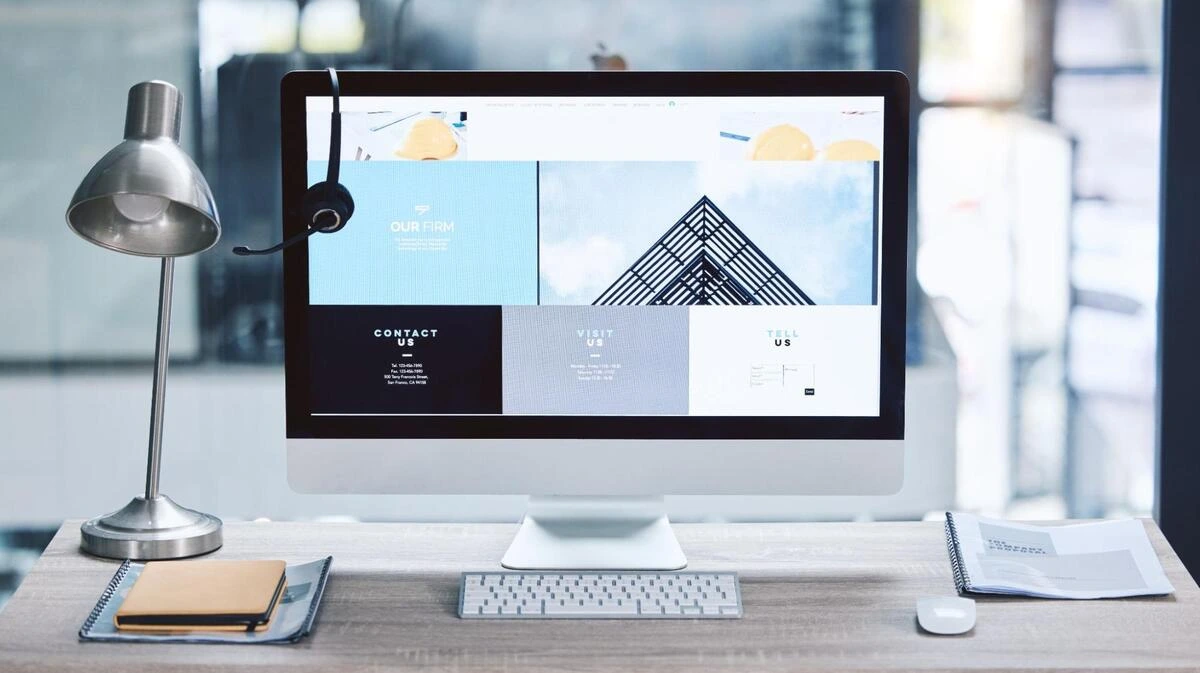
Computer monitor displaying a website design layout with a lamp and a notebook on a desk

Write down what you want the website to do before you speak to any agency. Not ‘look modern’ or ‘get more customers’ — those are descriptions, not goals.

A usable goal sounds like this: ‘Generate 15 new inquiry calls per month through the contact form’ or ‘Reduce the number of customers calling to ask about opening hours by putting that information clearly on the website.’ Both give the designer something concrete to solve for.

Good project goals share three things: they name an action (generate, reduce, increase), they attach a number or measurable outcome, and they point to a specific part of the website. If your goals fail any of those three tests, rewrite them before your first meeting.

Before the kickoff call, make sure everyone on your side of the project agrees on the same goals. Designers work fastest when there is one clear direction, not five different opinions surfacing at different stages of the build.

2. Your Website Content

Content is the part that delays most web projects. Designers cannot build page layouts around content they do not have, which is why so many timelines slip after the initial approval. Before your brief, collect:

  • Written copy for every page, or at least a detailed rough draft of each
  • Photos you own: products, your office, your team, or your service in action
  • Your logo as a high-resolution file — SVG or PNG with a transparent background
  • Any videos you want on the site, or a note that they still need to be produced

Not having all the content ready is not a dealbreaker, but it has a cost. Most agencies offer copywriting and photography as paid add-ons. If you know upfront that you need those services, you can budget for them and factor them into the timeline. Finding out at week three, when the designer is waiting on a hero image you have not taken yet, is a very different situation.

Be honest about what you have and what you do not. The conversation goes better, and so does the project.

3. Your Branding Materials

Your logo, colour codes, and preferred fonts should be in one folder before your first meeting. The hex code for your brand colour is the exact value designers use; a six-character code like #1F3A6E. ‘Navy blue’ is not sufficient because there are hundreds of navy blues, and picking the wrong one means revision rounds.

If you have had design work done before, business cards, brochures, flyers, or social media graphics, bring samples of those, too. A brand style guide is ideal, but most small businesses do not have one. A folder with the logo file, two or three colour codes, and a few examples of past design work is enough.

Without these materials, your designer makes visual decisions on your behalf. They make them with skill, but they are still guesses. Providing your branding materials means the new website extends what you have already built rather than starting fresh in a different visual direction.

4. Examples of Websites You Like and Dislike

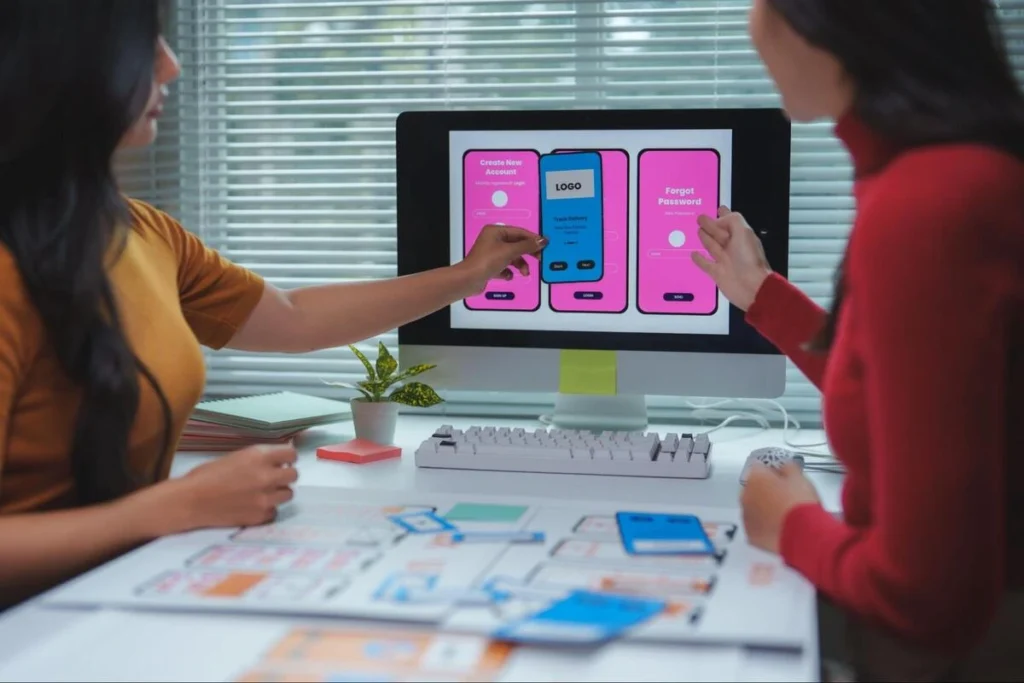
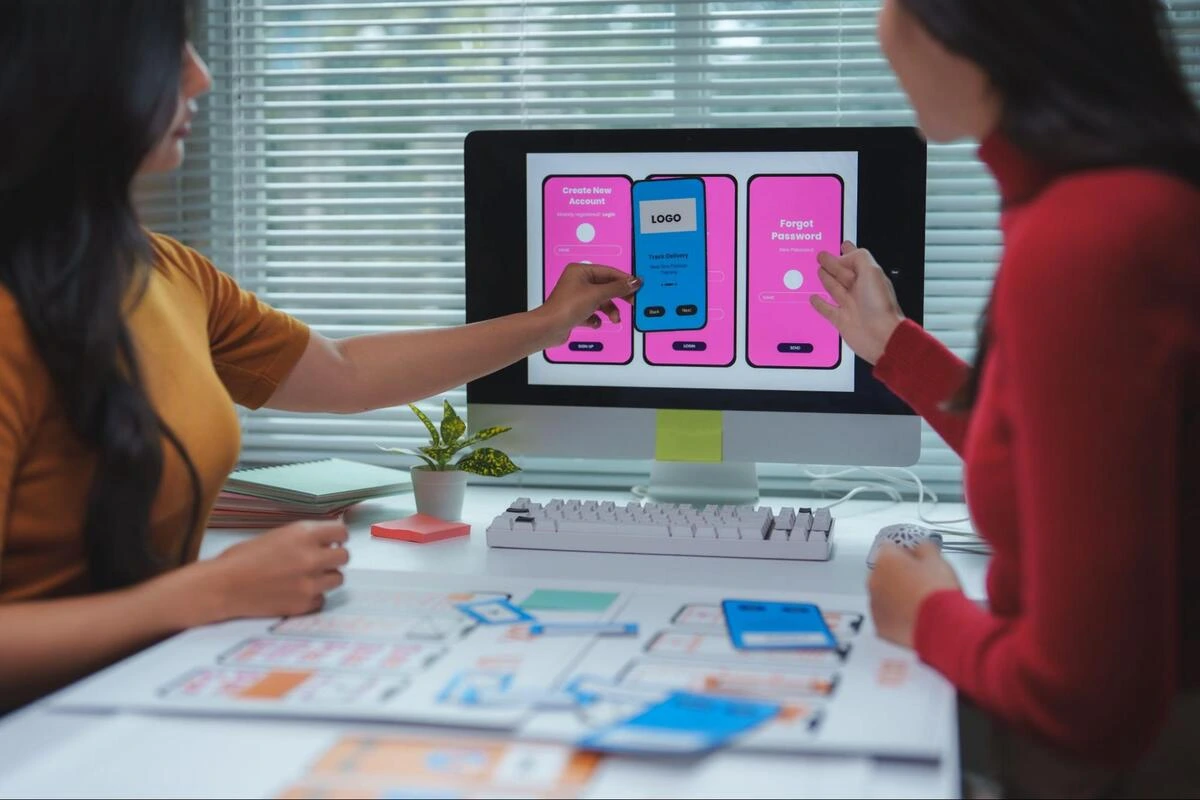
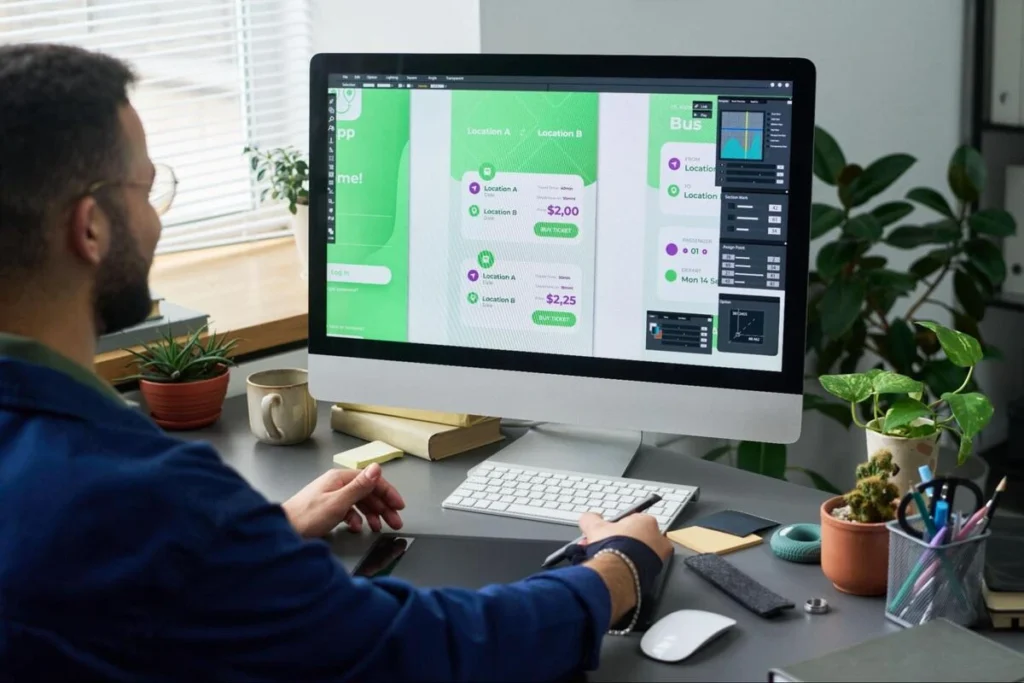
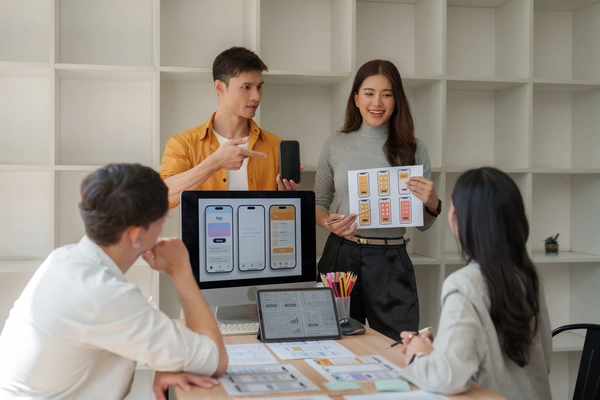
Two web designers reviewing user interface mockups on a desktop screen

Collecting examples is the fastest way to communicate visual preference without needing design vocabulary. You do not need to know the difference between a serif and a sans-serif font; you just need to know which websites feel right when you look at them.

Find three to five websites you like and write a short note beside each one: what specifically works. Is it the clean layout? The colour palette? The amount of text on the screen? How does the navigation behave on mobile? The more specific your notes, the more useful they are to the designer.

Do the same for websites you dislike. A list of what you want to avoid is as useful as a list of what you want to include. Both together give the designer a clear visual brief before a single pixel has been placed.

Your competitors’ websites belong in this list too. The designer needs to see the standard in your industry before deciding how similar or different your site should look. Sometimes the right call is to align with the industry style so customers recognise you as credible. Other times, standing apart is the stronger move. That decision cannot be made without knowing what the competition looks like.

5. A Short Description of Your Customer

This is the item most businesses skip — and it shows in the finished website. A site built without any understanding of the audience tends to be designed to impress the client rather than to work for the customer.

You do not need a formal research document or a professional marketing brief. A short paragraph is enough. Include: who your typical buyer is, roughly where they are based, how old they are, what they search for when they need your product or service, and the one question they always ask before deciding to buy.

That last point — the question they always ask — is especially useful. If every customer asks ‘how long does delivery take?’ or ‘do you work with small businesses?’, that question belongs on the homepage. A designer who knows this can put the answer where visitors will find it before they have to ask.

This single paragraph influences the language on every button and heading, the layout of the contact section, and whether a WhatsApp button serves your audience better than a standard contact form.

Essential Website Preparation Checklist

Use this table as a reference before your first agency meeting. Bring every item in the ‘What to Prepare’ column, even if it is a rough draft.

Item What to Prepare Why the Agency Needs It Editable Later Notes
Project Goals Written list of what the website should achieve Every design and copy decision flows from the goal — without it, the designer is guessing Yes Use specific outcomes: ‘generate 15 leads/month’ beats ‘get more customers’
Website Content Draft copy, owned photos, videos, and supporting files for each page Layouts cannot be built around content that does not exist yet Yes Missing content is the most common cause of project delays — gather it first
Branding Materials Logo file (SVG or high-res PNG), hex colour codes, preferred fonts Keeps the new site consistent with everything the business has already put out Yes ‘Navy blue’ is not enough — provide the exact hex code (e.g. #1F3A6E)
Example Websites 3–5 URLs of sites you like and dislike, with a short note on each Aligns visual expectations faster than any written brief can Yes Include competitors — the designer needs to see the industry standard before deciding how to position yours
Customer Description Who your buyer is, what they search for, and the question they always ask before buying Shapes language, layout, and the right contact method for the specific audience Yes A short paragraph is enough — no formal research required

Before Your First Meeting

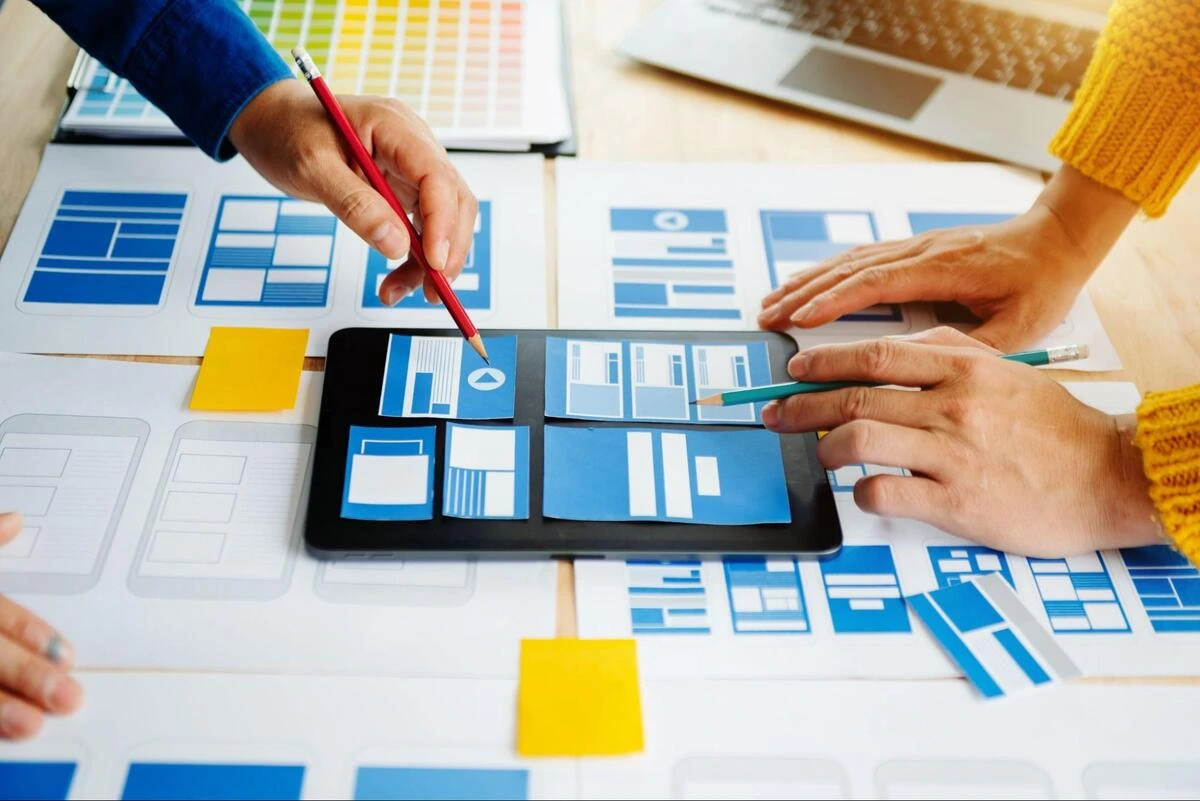
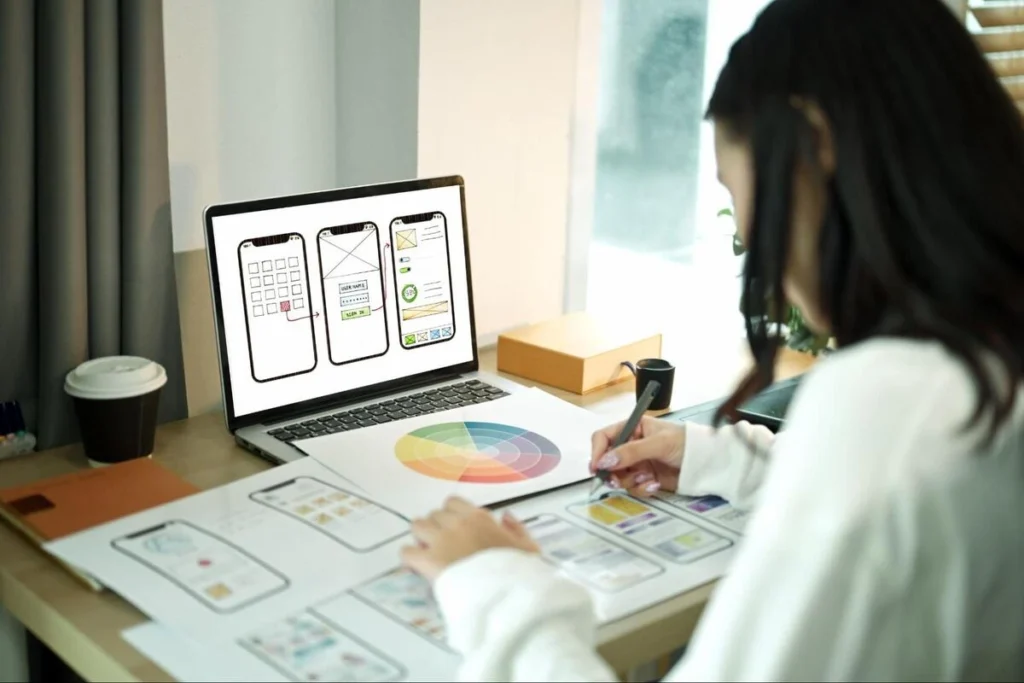
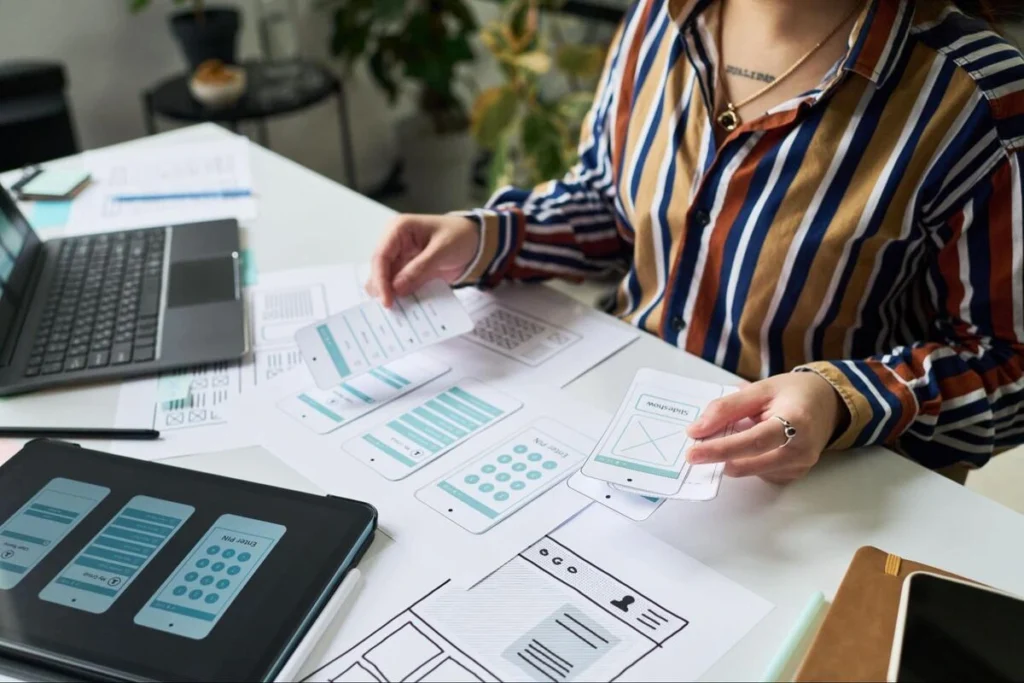
Web design agency team reviewing printed wireframes and page layouts on a table

Put all five items in one shared folder and send it to the agency before the call. Google Drive or Dropbox both work well. This gives the designer time to review everything in advance, which means the first conversation moves faster and covers more ground.

Agencies quote more accurately when they can see your content volume, understand your brand, and review your goals before the meeting. A vague brief produces a vague quote. A prepared one produces a quote you can actually compare and make a decision on.

If any of the five items is not ready, note that clearly in your message. It is far better to say ‘we do not have photos yet’ than to say nothing and have it surface as a surprise two weeks into the project.

Ready to Build Your Website?

If you have your project goals, content, and branding materials ready, you are already ahead of most clients. Share what you have with us, and we will send you a clear, no-obligation quote.

Not quite ready yet? That is fine too. Call us at +65 6362 0123, and we can walk you through exactly what you need before we start. Most conversations take under 15 minutes.

The 5 “Must-Have” Pages for Your First Small Business Website

As a business owner, creating a website for the first time can be overwhelming, especially if you don’t know what to put up. However, the truth is, all successful business websites start with a number of fundamental website pages that help visitors, establish trust, and take action. A successful website is not about complexity, but clarity and purpose. Therefore, by knowing these small business website basics, you can avoid common pitfalls and create a website that is useful to your business, even if you use a cheap web design package.

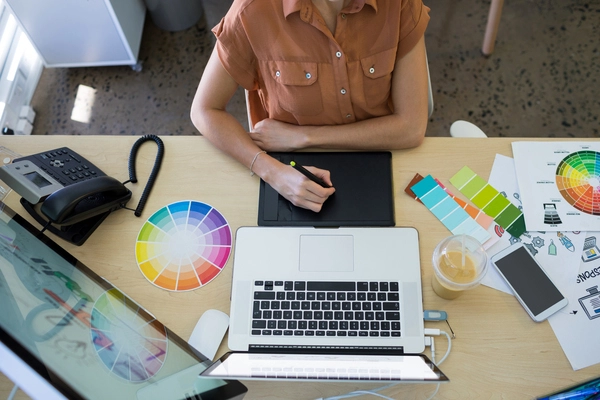
Overhead view of a web designer's desk with monitor, color swatches, keyboard, and design tools for small business website planning

What pages should a small business website have?

A small business website should include five key pages: Home, About Us, Services/ Products, Contact, and Testimonials. These essential website pages help explain the business, build trust, and guide visitors toward taking action, even when using cheap web design services.

Why the Right Website Pages Matter

From experience, many small business owners focus too much on design and forget about structure. A visually appealing website is important, but without the right pages, visitors may leave confused.

The right structure helps:

  • Build trust with new visitors
  • Clearly explain products or services
  • Improve search engine visibility
  • Increase enquiries and conversions

Even with a cheap web design package, having the correct pages in place makes a significant difference in performance.

The 5 Must-Have Pages for Your First Website

Let’s break down the five most important pages every small business website should include.

1. Home Page

The Home page is your first impression—it should quickly tell visitors what you do and how you can help.

A strong Home page includes:

  • Clear headline – Explains your business at a glance
  • Short intro – Gives a quick overview of your services
  • Call-to-action (CTA) – Encourages actions like “Contact Us” or “Get a Quote”
  • Key page links – Guides users to explore further

Think of it as a quick snapshot that helps visitors understand your business and know where to go next.

2. About Us Page

The business story comes to life on the About page. Before making a choice, customers want to know who they are dealing with.

This page should include:

  • The business’s history and goals
  • Knowledge and experience
  • Information about the team (if needed)
  • Why customers should have faith in the business

Many people overlook this page, but it’s essential for building trust and connection on a small business website.

3. Services or Products Page

This page explains what the business offers. It should be clear, detailed, and easy to understand.

Important elements to include:

  • A list of goods or services
  • Important features and benefits
  • Pricing (if you can)
  • A clear call to action

Even businesses using cheap web design services can create a strong Services page by focusing on clarity and value rather than design complexity.

4. Contact Page

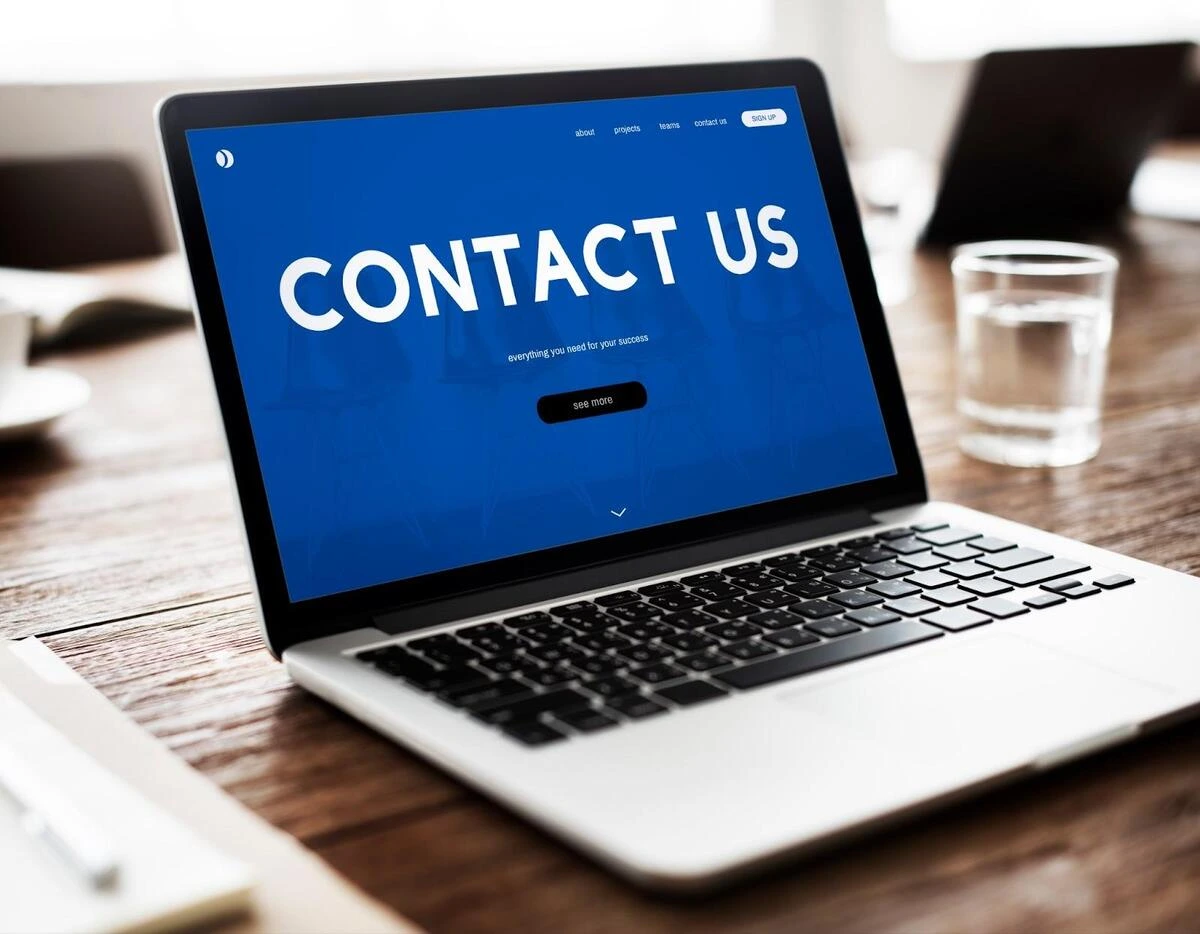
Laptop displaying a Contact Us webpage on screen, representing an essential contact page for small business websites

A clear Contact page makes it simple for customers to get in touch. Without it, you may miss out on leads.

A good Contact page includes:

  • Phone number
  • Email address
  • Contact form
  • Business location (if applicable)
  • Google Maps integration

This is one of the most important pages on your website because it has a direct effect on conversions.

5. Testimonials or Reviews Page

Testimonials build trust by showing real customer experiences and satisfaction.

This page should include:

  • Customer reviews
  • Case studies (if available)
  • Before-and-after examples (for certain industries)

Adding testimonials can significantly improve trust, especially for new businesses following small business website basics.

Quick Overview of the 5 Pages

Page Name Purpose Key Benefit
Home Introduce the business Creates first impression
About Us Build trust and credibility Connects with audience
Services/Products Explain offerings Drives conversions
Contact Enable communication Generates leads
Testimonials Show proof of quality Builds trust

Common Mistakes to Avoid

While building a website, it’s easy to make mistakes that affect performance. Avoid these common issues:

  • Adding too many pages too early
  • Unclear navigation structure
  • Missing call-to-actions
  • Overloading content with technical jargon
  • Ignoring mobile responsiveness

Even when working with a cheap web design package, avoiding these mistakes can make the website far more effective.

Tips for a Successful First Website

Person browsing a travel agency website on a laptop, illustrating how visitors navigate a small business website

A good first website doesn’t have to be complex.

Start with these basics:

  • Clear message over complex design
  • Simple, readable content
  • Fast performance
  • Easy navigation
  • Regular updates

Instead of chasing advanced features, focus on building strong core pages first.

Conclusion

It does not have to be complicated to build a first website. A business owner can focus on the five key pages: Home, About, Services, Contact, and Testimonials. These basics for a small business website will help visitors understand the business, build trust with the business, and take action.

For those who want to simplify things, working with professionals can indeed make a lot of difference. At iClick Media, we are able to provide tailored solutions that include cheap web design options as well as cheap web design packages for small businesses. Our team is dedicated to providing websites that have the correct structure in place, meaning that all the necessary website pages are included.

Frequently Asked Questions (FAQs)

  1. What are the most important pages for a small business website?
    Every small business website should include Home, About, Services/Products, Contact, and Testimonials. These pages cover the essentials.
  2. Can I build a website with a cheap web design package?
    Yes, as long as it includes the right features and layout, a budget package can still deliver good results.
  3. Why are essential website pages important?
    They make it easier for visitors to understand your business and take the next step.
  4. How can cheap web design services still be effective?
    By focusing on clarity, simple structure, and a smooth user experience.
  5. What should I focus on when building my first website?
    Keep it simple—clear message, easy navigation, and the key pages in place.

The 9 Must-Have WordPress Plugins for Every Small Business Site

A small business website must work efficiently, remain safe, and be fast loaded by a user. The low-cost website design usually relies on the application of the appropriate tools rather than the costly bespoke development. WordPress plug-ins allow small business websites to perform the needed activities at a low cost. Such tools enhance performance, security, content management and user experience. The appropriate selection of the plugins enables the sites to remain stable and convenient to operate. Prudently chosen, the selection of the plugins assists in ensuring long term stability of the websites. This highlights the importance of plugins in the development and maintenance of small business websites.

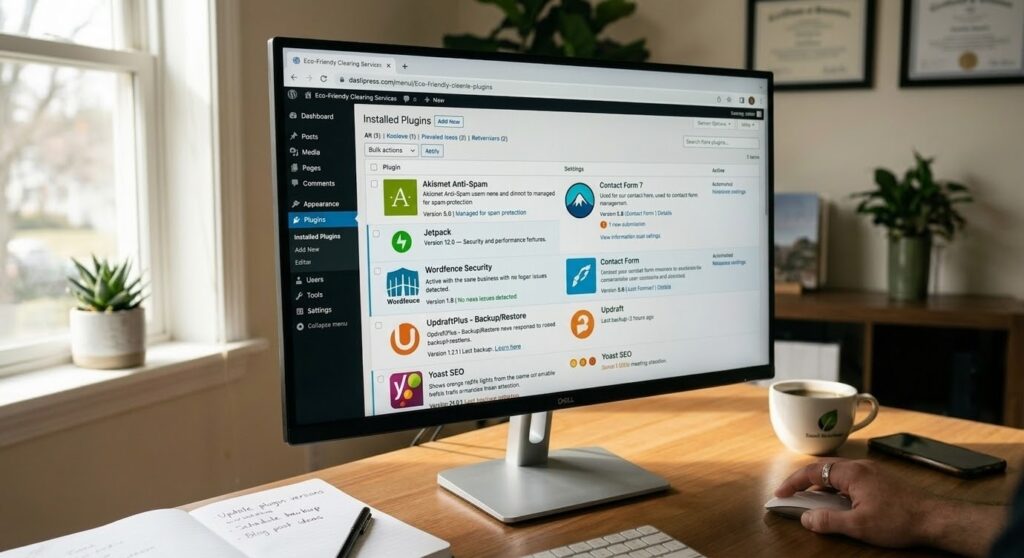
Desktop computer on a wooden home office desk displaying a WordPress admin plugins page with Yoast SEO, Wordfence, UpdraftPlus, and Contact Form 7 installed

Why Cheap Website Design Requires the Correct Use of the Available Plugins

The best use of inexpensive site design would be when clever tools are employed to minimise the labour. Small businesses can easily add features through the use of plugins without the need to employ developers. Such critical needs as backups, security, and optimisation can be managed effectively. The dependability of the technical problems and time is saved by the use of reliable plugins. Websites created using the appropriate plugins are dynamic and easy to scale. Bad selection of the plug-ins may either drag down the websites or pose a security threat. Good performance is guaranteed with a limited budget due to careful selection.

1. Yoast SEO Basic Search Visibility

Yoast SEO has a common use in the provision of simple SEO to websites based on WordPress. It aids in the management of page titles, meta description and page structure. Easy-to-follow directions enable adherence to SEO best practices. Small businesses enjoy having easy tools that enhance the visibility of searches. XML sitemaps are also generated automatically with the assistance of Yoast SEO. This is a content clarity and structure supporting plugin. It is commonly featured in the list of the best free WordPress beginner-friendly plugins.

2. Wordfence Security for Website Protection

Small business websites require security. Wordfence Security safeguards websites against malware and unwarranted entries. It has firewall and login protection components. This plug-in assists in real-time tracking of suspicious activity. Periodic security scans are aimed at minimising risks. Securing websites leads to credibility and sustainability. Wordfence has frequently been cited as one of the must-have small business websites.

3. WP Super Cache for Faster Loading Speed

Speed is a factor in website user experience and engagement. WP Super Cache will load faster with the creation of static pages. Quick websites will decrease the bounce rates and enhance usability. Optimisation of speed aids in improved performance on devices. This plug-in is easy to install and administer. Quick loading is the advocacy of low-cost website design since it does not mandate complicated optimisation. It is also known to be one of the best free WordPress plugins.

4. UpdraftPlus for Backups You Can Trust

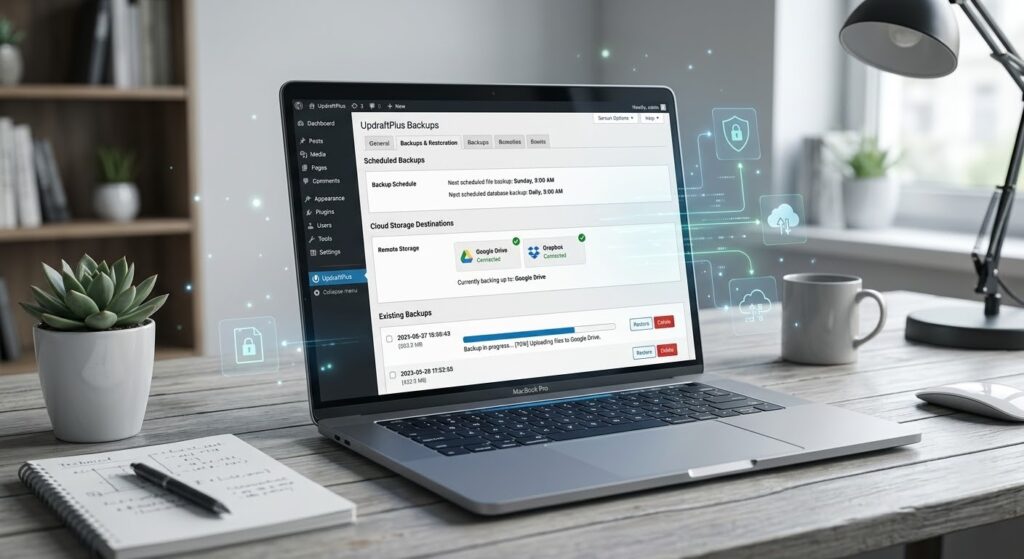
Laptop on a neat desk showing the UpdraftPlus backup and restoration dashboard with scheduled backups syncing to Google Drive and Dropbox

Websites are safeguarded by regular backups that ensure the websites are not lost. UpdraftPlus will give the option of automatic backup to a cloud storage. This assists in repairing websites in a hurry in case of problems. Backups help in long term maintenance and security of the sites. Simple backup solutions have advantages for small businesses. This plug-in minimises the chances of downtimes. Business continuity relies on reliable backup.

5. Easy Page Building Elementor

Elementor assists in the making of pages without writing. It enables the user to create layouts in drag and drop tools. The pages can be updated without any technical assistance with ease by small businesses. The content control is enhanced with visual editing. This aids in low cost web site design through lowering development expenses. Design consistency is also delivered through Elementor. Small business websites are fond of using it.

6. Contact Form 7 To Communicate With the Customer

Business websites need customer communication. Contact Form 7 assists in creating basic contact forms for contacts. It is easy to customise and manage messages. Forms aid in receiving enquiries and feedback. This is a lightweight and trusted plugin. Effective communication fosters confidence in the user. It is regarded as one of the essential small business site plugins.

7. WooCommerce for Small Business Online Shop

WooCommerce helps small businesses to sell products online. It helps in listing products, payment and management of orders. Without complex systems, businesses are able to commence selling. WooCommerce is compatible with WordPress themes. It favours the flexibility of product management. This is a plug-in that assists small businesses in expanding on the internet. It is compatible with low-cost website design tactics.

8. Smush For Image Optimisation

Unless optimised, the pictures are able to slow down web pages. Smush is the compressor of images. Improved user experience as a result of faster image loading. This plug-in is used to keep the performance levels. Optimisation of images helps in improved engagement. Smush is simple to operate and useful. It is also listed among the top free WordPress plugins.

9. Simple SSL for Secure Connection

The user information is secured with the help of the SSL certificates. Really Simple SSL assists in the facilitation of HTTPS. Confidential networks enhance reliability and security. The search engines also favour secure websites. This is a simplified deployment of the SSL. It prevents security warnings. Trustworthy sites embrace credibility in the long run.

The Benefits of Plugins in Long-Term Website Management

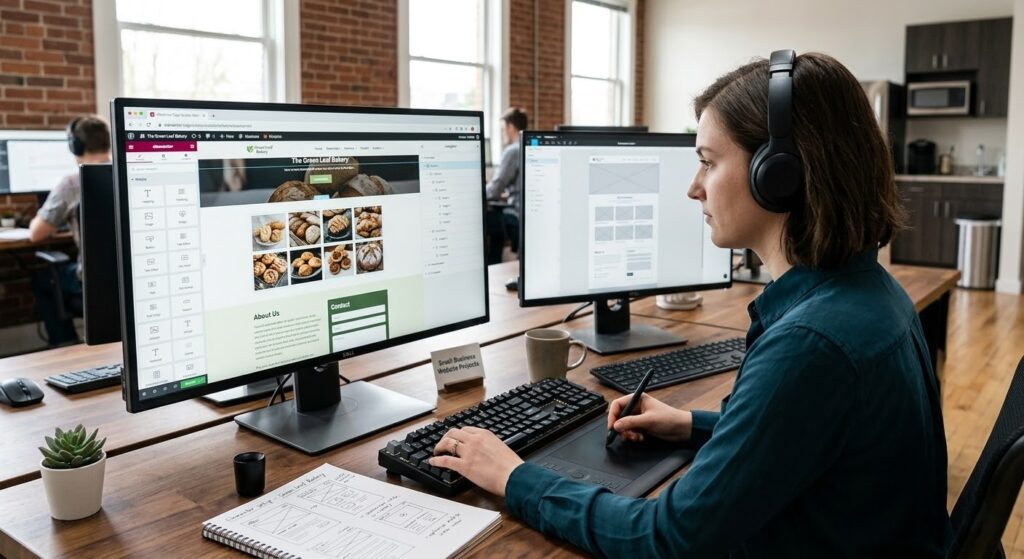
Woman wearing headphones working at a dual-monitor desk editing a small business bakery website on WordPress using a graphics tablet

Plugins are useful in enabling small businesses to manage websites with ease. Consistent updates make websites safe and functional. The appropriate connection of the pluggable makes it less technologically complicated. Websites do not require much effort to keep them. Flexibility and growth are supported by good plugins. Inefficient management of the plugins may create problems. Periodical updates make sure that the plugins are useful and secure.

Purpose and Business Benefit of the Plugin

Name of Plugin Primary purpose Business advantage
Yoast SEO SEO administration Better search visibility
Wordfence Security Website protection Less risk of security attacks
WP Super Cache Speed optimisation Increased loading speed
UpdraftPlus Online backup of websites Website security
Elementor Page-builder Easy mobile updates
Contact Form 7 Communication with the users Improved enquiries
WooCommerce Selling online Revenue support
Smush Image optimisation Better performance
Easy Internet Protocol Secure Web security User trust

Correspondence to Professional WordPress Practices

There are companies like iClick Media which have organised WordPress that revolves around the issues of performance and usability. The choice of plugins is done in regards to reliability and long term value. This is used to avoid excessiveness by using only necessary plugins. This practice facilitates consistent performance of the websites. Ethical usage of plugins eliminates security and performance problems. Quality is maintained with the aid of professional standards.

Conclusion

The websites of small businesses rely on intelligent tools to prosper. WordPress has the potential to make the most effective web design, provided that appropriate WordPress plugins are applied. These plug-ins are in favour of security, speed, communication and growth. Proper selection is done to prevent unnecessary expenditures. Websites are accommodating and simple to operate. SEO and user experience are also natural in their support by plugins. That is why WordPress is necessary in any small business site through its plugins.

5 Signs You’ve Outgrown Your DIY Website (And It’s Time to Hire a Pro)

A do-it-yourself website is a starting point for many small businesses venturing into the world of the Internet. This method seems workable and low-cost at an early stage when the budgets are constrained, and the business is still struggling to establish itself. Nevertheless, when a company begins to expand, the site that appeared to be alright may unobtrusively be brought up as a constraint. An inexpensive web design firm will encounter business owners who are already successful but are stifled by the fact that the site they are using no longer suits their objectives. Being aware of the indicators that one is ready to quit a DIY website can help prevent the difference between continuous growth and stagnation in the digital world.

1. You Are Embarrassed to Post Your Website Address

Web designer creating UI and UX layouts on a laptop for a professional website redesign

The reluctance to provide the address of your website should be considered as one of the brightest indicators that you need a professional website. When you do not send your link to your prospective clients, partners, or even friends, it normally indicates that you are aware that the site does not represent what your work is like. DIY websites are usually generic, old-fashioned, or not well organised, and this could be detrimental in regard to first impressions. A web designer knows how to make your brand look attractive and generate trust and credibility even before a single click.

2. Your Website Is Not Mobile Friendly

The majority of the population browses the internet through a phone nowadays. Without proper adjustment to various screen sizes, you are actually losing visitors even before they can view what you are offering. When clients report that your site is hard to use, the text is small, or the layouts do not work on mobile phones, that is one of the first indications that you need a professional website. The responsive web design produced by a cheap web design agency will be compatible on phones, tablets, and desktops, ensuring that all visitors receive a clear and usable experience.

3. You cannot add the Features Your Business Needs

New tools to be added to your business might be booking forms, online payments, customer portals, or marketing integrations as you grow. Many DIY website builders are limited in features, making it hard or even impossible to add these. It is a good indication to switch and upgrade from a DIY website when you know that your platform is not serving your purposes. This allows a web designer to create personal functions that work in the manner in which your business functions, rather than you having to conform to a strict template.

4. Your website Is Not Bringing Leads

A website designer creating a website layout using Photoshop

A website must not merely exist. It ought to assist in attracting enquiries, bookings, or sales. When your DIY site is not generating any leads, it is not performing its role. This is among the most vital indications that you require a professional website. An inexpensive web design firm will be able to have your pages, calls to action, and layout structured in such a manner that directs visitors on how to get in contact with you or buy something.

5. Your Image Has Grown Beyond the DIY Style

In the days when your business was small, a bare-bones website was perhaps all you needed. However, as you get more customers and a reputation, your brand should look more successful and refined. A self-created site may not be as visually strong and uniform as a growing business requires. An expert web designer can incorporate your brand identity with your web design, ensuring that everything, including colours and fonts, helps to present you in the way you want to be viewed.

The Reason Why Professional Web Design Counts

A cheap web design agency is not an indication of compromised quality of work. It involves locating a team that knows how to provide value without any extra indulgences. A professional web designer provides technical skills, design knowledge, and marketing awareness, which together create a site that truly supports business growth. Upgrading from a DIY site gives you a platform that can grow with your business.

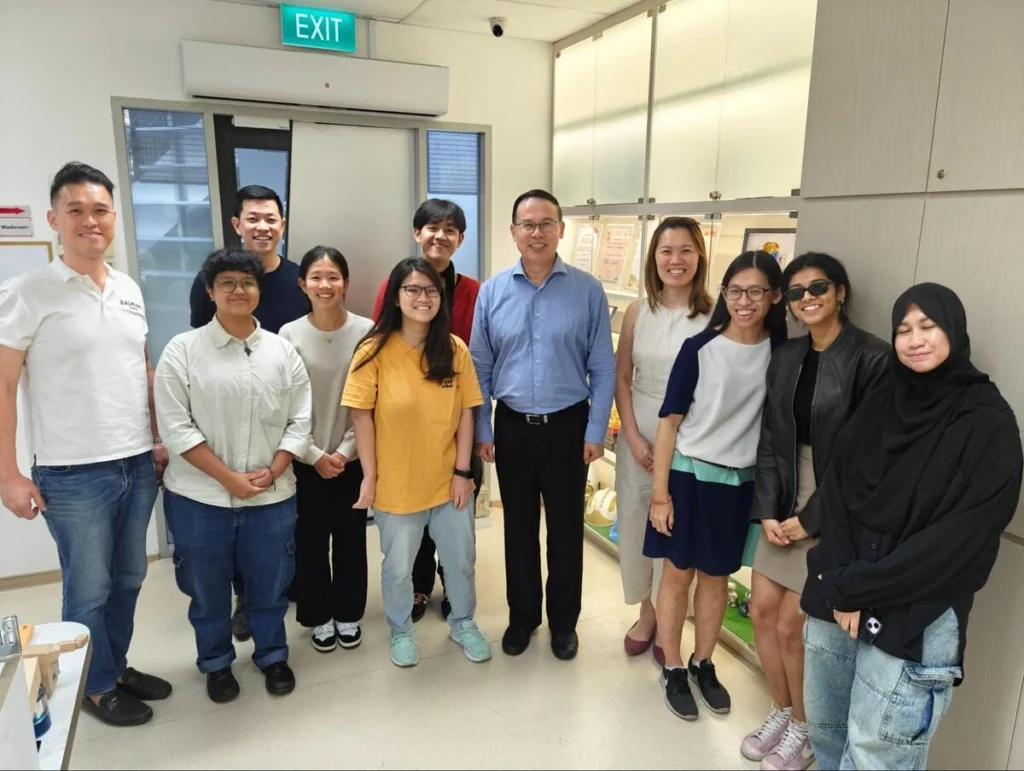
iClick Media web design and development team with Dr Teo Ho Pin

Major Comparisons and Contrasts of DIY and Professional Websites

  • DIY websites are based on predefined templates
  • Business-related websites are constructed based on your requirements.
  • The features of DIY platforms are limited.
  • Custom functions can be added by a web designer.
  • Homemade designs tend to appear generic.
  • Professional designs speak of your brand.

Professional Website vs DIY Website

Aspect DIY Website Professional Website
Design Template based Brand customised
Mobile assistance Quite frequently restricted Fully responsive
Controls Limited by platform Made to your specifications
Lead generation Basic or none Strategically designed
Scalability Hard to expand Expansion ready

How Cheap Web Design Agency Supporting Growing Businesses

Web designer planning a custom website layout to replace a DIY business website

A low-cost web design agency understands that small and medium businesses need results without unnecessary complexity. By focusing on what actually delivers leads and conversions, a professional web designer can create a site that supports current success and prepares for future growth. This approach helps businesses move beyond the limits of their initial DIY website without spending excessively.

Conclusion

A DIY website may no longer support the success of a growing business. Being ashamed to share your link, struggling with mobile performance, lacking essential features, and seeing no leads are all strong indicators that you need a professional website. When you move away from a DIY based website and work with an inexpensive web design firm, you provide your company with a platform that reflects its real potential and supports the next stage of development.

Affordable Web Design Hacks for Startups That Need to Scale Fast

Having worked with hundreds of growing companies, we understand the pain of building a strong online presence on tight budgets. At iClick Media, we specialize in offering affordable web design hacks that will help businesses move fast without compromising on quality. Our objective is to provide scalable, flexible, cost-efficient solutions in web design for startups. Be it a quick prototype, template-based builds, or strategic design improvements a business requires, we offer low-budget website tips to get them online quickly and grow confidently.

A close-up of a blue computer keyboard key labeled "Website Design" 

Why Startups Need Smarter, Faster Web Design

Startups often work under intense time pressure. Investors, customers, and partners alike expect the business to have a full-fledged digital presence from day one. With limited resources, every minute and every dollar counts. That’s why our approach to startup web design is centered around efficiency, clarity, and long-term scalability.

iClick Media helps clients with affordable web design tricks, which can reduce development time and cost without compromising the standards of modern UX, SEO, and performance.

Quick Wins: Affordable Web Design Hacks Startups Can Use

1. Use Professional Templates Wisely

One of the fastest ways to get a website online is by using templates. However, the real value is in professional customisation. Here at iClick Media, we take premium templates and customize them to fit the branding, messaging, and goals of the business. This approach decreases production time by over half but still yields a polished outcome.

Among the best low-budget website tips, this is particularly effective for startups that need their site up and ready within days, not months.

2. Choosing the Right CMS to Scale Faster

Not all content management systems are created alike. We recommend the following platforms for start-up web design:

  • WordPress: Flexible and economical
  • Shopify: Fast setup for E-commerce
  • Webflow: Visual builder for design-heavy brands

Picking the right CMS from the outset will avoid costly rebuilds for a business later on.

3. Employ Outsourcing Strategically

User interface planning for startups

Instead of building a full in-house design team, startups outsource key tasks such as UI design, development fixes, or content uploads. As part of our service, we help businesses identify which functions to keep in-house and which to outsource for maximum savings.

This is one of the most valuable affordable web design hacks since it cuts overheads but keeps professional quality.

4. Optimize Before Scaling

Rather than building a large website upfront, we recommend clients start with:

  • A landing page
  • Lean product/service pages
  • Basic blog section for SEO

Once the business has grown, the site can grow organically with it. This incremental structure is part of our low-budget website tips that will help a startup avoid unnecessary complications at an early stage.

5. Focus on Mobile-First Design

Any modern business, especially startups targeting fast-scaling markets, needs a mobile-first approach. At iClick Media, we ensure every website is mobile-optimised from the start, giving users faster load times, better usability, and smoother navigation. This reduces bounce rates and increases conversions without additional spending.

Small Table: Quick Comparison of Affordable Web Design Options


Web Design Approach Cost Level Speed of Deployment Best For Startups
Template-Based Site Low Very Fast MVPs, early-stage brands
CMS Build (WordPress/Shopify) Medium Fast Growing businesses
Fully Custom Design Higher Slower Long-term branding


How iClick Media Supports Fast-Growing Startups

At iClick Media, our work with hundreds of entrepreneurs and SMEs has taught us precisely what startups need.

  1. Fast Turnaround Without Cutting Corners
    We streamline every part of the design and development process—from UX planning to content implementation, prioritizing speed without sacrificing function or quality.
  2. Budget-Friendly Design Options
    Every recommendation we make is based on affordability. Our team ensures clients pay only for what they really need.
  3. Scalable Solutions
    While we use affordable web design hacks for initial builds, we construct websites that can grow as the business matures.

While we take advantage of affordable web design hacks for initial builds, we construct websites that can grow into fully customized platforms as the business matures.

Practical Low-Budget Website Tips for Startup Success

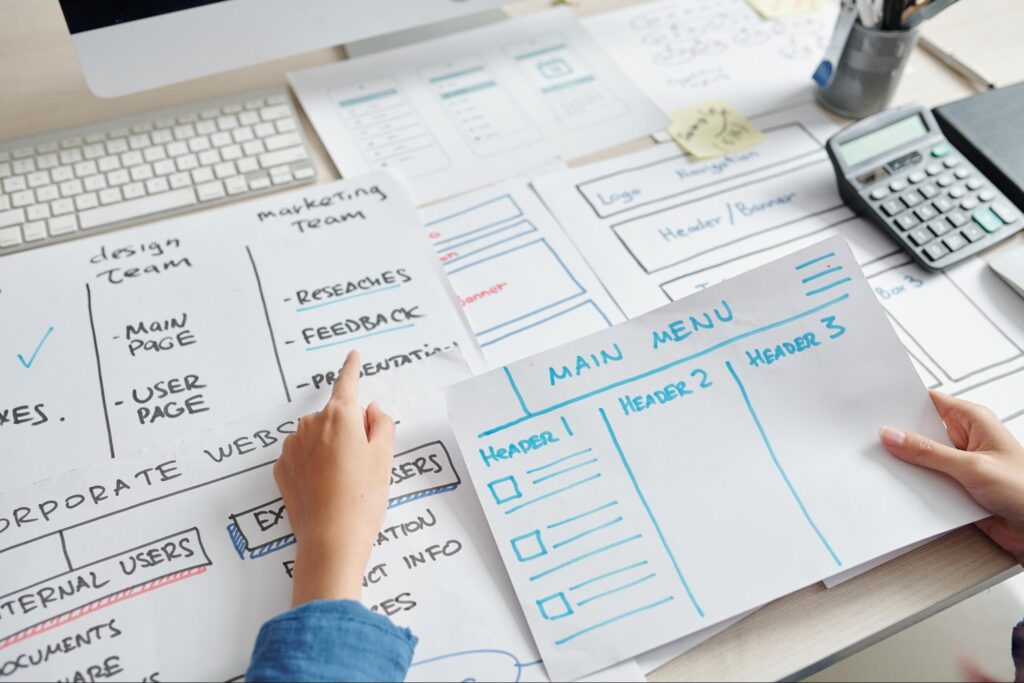
A web designer sketching a website wireframe on paper, mapping out the header, main menu, and user journey.

Use Open-Source Tools

Free open-source tools can help early-stage businesses save quite a bit in terms of costs. For example, free plugins offered in WordPress would minimize custom development needs for marketing and SEO features.

Repurposing Branding Assets

Instead of creating new visuals, the startup can reuse logos, imagery, and brand elements that are already available. Our design team polishes these assets to create a modern and cohesive brand look.

Create Clear and Minimal User Journeys

Simple websites work better. We help new businesses make clear paths like this:

“Learn More” → “Service Page” → “Contact Form”

“Browse Products” → “Add to Cart” → “Checkout”

These flows require minimal design work but deliver maximum performance.

Why Affordable Does Not Mean Low Quality

Most people believe that affordable web design hacks relate to poorly produced results, but with our experience, strategic planning, and smart use of tools, even startups can achieve professional outcomes on a limited budget.

Each website we build adheres to best practices in:

  • Mobile responsiveness
  • Conversion optimization SEO structure
  • High-quality branding
  • Fast loading speeds

Our clients benefit from a high-performing website that represents their brand confidently.

Conclusion: Build Fast, Grow Faster with iClick Media

Web Design Contract Signing

Speed, simplicity, and savings are what startups need when it comes to building their online presence. iClick Media specializes in delivering an affordable, effective, and ready-to-scale startup web design solution. With the right mix of affordable web design hacks and proven low-budget website tips, we help young businesses launch strong and grow even stronger. If you are a startup aiming to scale up quickly and without overspending, our team is ready to support your journey every step of the way.

How a Professional Website Builds Credibility and Trust for Your Small Business

In the modern world of technology, building a strong presence online is not just a marketing option but a necessity to be considered reliable. The impact that a small business can make through a professional yet inexpensive website is tremendous. The moment people go through your website, they make up their mind about you. If the website is visually appealing, speedy, and user-friendly, then the visitors will indeed feel it’s a legit company they are dealing with. And what if your business is the one with a badly designed website or no website at all? Then customers will not just question your professionalism but your very existence.

Why First Impressions Matter

A creative design collaboration illustrating the professional process behind building a credible business website.

The same features that customers identify in a trustworthy business are reflected through an excellent website: organisation, clarity, and care. Small business owners might not realise that this is the point where affordable website solutions come in handy, allowing them to present themselves well without going beyond their budget. The main reason why the difference between a professional and an unprofessional website is so significant is that it often determines whether a visitor decides to stay or bounce off.

The Psychology Behind Trust and Design

Trust is a major factor in deciding the source of one’s purchase. People visiting your site will be on the lookout for proof that your business can be trusted. The manner in which your site looks, performs, and is accessible gives a lot away about your standards. Fans out of confusion or slowness can be unrewarding and might suggest bad service and lack of diligence, whereas a fan in a simple and elegant style conveys trust with ease.

Consistent design, easy-to-read content, and fast navigation are some of the things users recognise before concluding your company is run professionally. Saving money on web design to a reasonable degree is not the only thing good, cheap web design stands for; it is also about the creation of something to show your commitment and principles. People want to feel safe while shopping or inquiring online, so they naturally trust websites that look and work well.

The Role of Web Design in Building Credibility

Trust comes to be through a professional website in more ways than just colours and fonts. It is the first indication that you deliver quality and respect your visitor’s time. Easy, cheap web design performed by professionals will surely attain the goal of the pages being quickly loaded, clear content, and all the links working properly. These matters might be insignificant, but they are the ones that weigh the most in the brand evaluation process.

An outdated or messy website is the first impression that comes to a potential customer’s mind when they think about your business, thus they will do the same with you. Conversely, a sleek, responsive website that is designed by someone who knows the ropes of affordable website solutions will impress visitors, making them think you are a professional, active, and ready to serve. Good design communicates that you are not cutting corners in your business, even if your budget is limited.

How a Website Builds Credibility in the Eyes of Customers

A team of UI/UX designers reviewing mobile layouts.

Before deciding, people are very likely to review businesses online and make a comparison of them. This is where a professional site turns out to be your strong lever. An attractive site prompts the visitors to stay longer and hence, trust and familiarity are built. The mechanism is quite simple: people tend to trust what looks secure, contemporary, and in good condition.

This is the reason why buying cheap web design does not necessarily mean that you are compromising on the quality of your product or service. It is about taking a wise decision that equally weighs the cost and the credibility. The website of a small business that looks and feels like a professional one is able to put your business on a level playing field with big brands.

Professional vs. Unprofessional Website

A professional website can be easily distinguished from a website that is poorly designed and developed by the comparison below.

Aspect Professional Website Unprofessional Website Impact on Customers
Design Quality Clean layout, easy to read, visually appealing Messy, outdated visuals, poor readability Helps to make a strong first impression or immediate distrust
Performance Fast loading, smooth navigation Slow and confusing interface Visitors stay longer or leave quickly
Content Clear information with useful details Irrelevant or disorganised text Engagement level is raised, or customers are left confused
Trust Signals Contact details, reviews, secure payments Lack of contact info, outdated details Helps to build trust or creates doubt

This comparison shows the importance of web design for even the smallest businesses. A good web designer can combine aesthetics and functionality, thus ensuring that your site both emotionally connects with the visitors and works perfectly.

Key Reasons to Invest in a Professional Website

A professional web designer working on her desk, representing the value of investing in high-quality custom design to enhance brand authenticity.

These are the few simple but powerful reasons that point out the main role of a professional website and how a website can help your brand to earn trust:

  • First of all, a professional website can generate a great first impression, which will definitely encourage people to explore your services further.
  • Additionally, it can build trust with customers through a quick loading speed and simple yet effective navigation.
  • Furthermore, the professional website sets your business apart by showing that you care about both your business and your customers’ experience.
  • Moreover, it is a great tool in convincing the visitors that they can feel safe when browsing or buying from you.
  • Finally, it provides easy-to-find contact information and gives real details that assure the customers of the authenticity of your business.

Conclusion

It is important to note that an affordable website is not necessarily a basic or low-quality one. The affordability factor is determined by the smart choices in the site design that take into consideration the goals of your business. Even if a cheap web designer has created your website, you will still derive long-term benefits from it, such as visitor engagement, better rankings on the search engine results pages, and positive brand reputation over time.

As local businesses decide to allocate their money properly between web design and web development, they are actually paving the way for trust that lasts long. An up-to-date website is like a brand’s talking agent, which finds a way to communicate its identity and gain trust that advertising all by itself can’t reach. Thus, this is the true professional website value—a silent way of reassuring your visitors that they really are in safe hands.

Template Customisation vs. Fully Custom Design: Pros & Cons

At iClick Media, we understand that every business has different needs, budgets, and timelines when it comes to building a website. Some businesses look for an economical site design through template customisation, while others prefer to invest in a full custom design to create a unique and enduring solution. As a good and cheap website design collaborator, we guide the clients through this by asking them to analyse the pros and cons of each technique. In this article, below we will present a full comparison so that you can make your well-informed decision based on your goals and web strategy.

An illustration of a web design interface on a computer screen

What is Template Customisation?

Template modification entails acquiring pre-designed website templates and redeveloping them by making changes in the colours, fonts, layout, or incorporating features. It’s a prevalent practice for small companies or start-ups requiring budget-friendly web design without a cost of building a site from scratch.

Advantages of Template Customisation:

  • Affordability – Ideal for low-budget projects.
  • Fast turnaround – Web pages could be launched in days or weeks using templates.
  • Easy-to-use platforms – Platforms like WordPress, Wix, or Shopify are easy to content-manage.

Template Customisation Disadvantages:

  • Limited design flexibility – Templates restrict design changes beyond minor adjustments.
  • Not unique – Other companies would replicate the same design, inhibiting brand originality.
  • Scaling issues – With growing business, templates cannot handle heavy features or traffic bursts.

What is Fully Custom Design?

The creative process of a fully custom website design

A fully bespoke design means building a site from the ground up, tailored to meet your brand’s needs, goals, and target audience. You will be working in collaboration with a development and design team to build a professional website with a unique appearance.

Benefit of Fully Custom Design:

  • Different branding – Everything is designed to reflect your company image.
  • Flexible and scalable – A customised website can grow as your company grows.
  • Enhanced performance – Custom coding facilitates an optimised user experience and SEO.
  • Long-term investment – Even though it costs more upfront, it pays more in the long term.

Disadvantages of Fully Custom Design:

  • More cost – A scratch-designed website consumes more resources, making it less of a cheap website design solution.
  • Development is time-consuming – Projects take weeks or months to complete.
  • Requires constant maintenance – Maintenance and updates typically need professional expertise.

Comparing Both Approaches

Factor Template Customisation Fully Custom Design
Cost Less costly, ideal for small budgets (affordable web design) More investment, long-term return
Timeline Rapid installation, quick to deploy Extended development period
Uniqueness May look very much like other sites Completely one-of-a-kind to your brand
Flexibility Limited flexibility to customise Unlimited flexibility
Scalability Struggles with advanced features as business grows Easily scalable for future needs
SEO & Performance Basic SEO features only Optimised for speed, SEO, and user experience

Which Option is Right for Your Business?

A sketchbook with wireframes of a website layout, illustrating the planning phase of web design.

Your decision depends on your goals and budget. For startups or small businesses that need a website quickly without spending a lot, templates are a smart starting point. They offer an easy and cost-friendly way to launch your online presence while keeping things simple and efficient.

If you want to create a long-term digital asset that grows with your business, investing in a bespoke design is the intelligent option. It allows your website to be flexible, future-proof, and aligned with business goals.

At iClick Media, we help clients assess their budget, goals, and growth trajectory to recommend the most suitable option.

Why Work With Us

As one of the leading web design partners, iClick Media provides tailored services with the proper combination of quality and affordability. From template modification for small businesses to custom design for established businesses, we ensure that every client gets the right solution. Our developers and designers collaborate to provide functional, secure, and SEO-friendly websites that work well on any device.

We don’t believe in there being just one way of doing something. Instead, we consult with you to understand your unique business requirements and recommend the best course of action to follow—be it leveraging the cost-effectiveness of economical site design or investing in the long-term value of a fully custom design.

Which Path is Right for You?

Both template customisation and custom design have their place in web design. Templates are inexpensive and quick to implement, while customised designs are scalable, unique, and adaptable for sustained growth. The distinction is knowing what is most critical to your business—growth, timeline, or budget.

We clarify this decision-making process for you. By evaluating your goals, we ensure that your investment in web design is worth it with a professional, high-performing website that drives growth and enhances your digital journey.

A person relaxing with a laptop showing a web design template

How to Get a Professional Website on a Tight Budget

Here at iClick Media, we know that any company, from a freelancer or startup to a scaling company, needs a professional website that makes a lasting impression online. Your site is often the very first that potential customers visit, and it should reflect your brand while being functional and user-friendly. But while one is desired by many, many hesitate because a pro site is more than they wish to budget. The nice thing is that quality is available without going over budget. Being an established web design company in Singapore, we offer cheap website design solutions that balance affordability and professionalism and provide precisely what businesses need within their budget.

The Appeal of Website Builders

When starting out, most new startups will look at website builders such as Wix, Squarespace, or Weebly initially. They are well-liked for their simplicity and affordability. They promise fast installations that don’t need any technical expertise. To some, it sounds like the best solution for creating a site at a low price.

Although there is convenience in using website builders, there tends to be a huge tradeoff. You are limited in how original you can be using their generic templates. Additionally, as the company grows, the sites might not support scalability or advanced features that it would need. This is why a builder by itself tends to be costlier in the long run.

The Hidden Costs of Cheap Website Builders

While most builders promote a low-cost website design for a few dollars per month, the actual cost soon mounts. Add-ons like a personalized domain, upgraded plugins, e-commerce features, or removal of ads come at an extra cost.

Ownership is also a problem. You’re normally locked into a builder’s system, and it will often require a complete rebuild of your site at some later time. This isn’t only more expensive, it also wastes valuable time.

We subscribe to open pricing and no surprises. In giving low-cost web design packages, we make sure that customers know exactly what they are getting and most importantly own the website outright.

Why a Professional Web Designer Is Worth Every Penny

A smiling woman holding a laptop representing a startup owner with a new professional website

While generic template sites from website builders are okay for startups or a side hustle, a seasoned web designer develops a site that accurately represents your company. Every design is customized to complement your brand identity so that your company shines amidst a sea of competition.

Here’s what makes pro design distinct:

  • Customisation: Instead of fitting your brand into some pre-made design, your site is crafted and constructed individually to emphasise your unique personality.
  • Functionality: Whether it’s e-commerce sites or booking systems, our web designers can incorporate the functionality that you require.
  • Scalability: We design with growth in mind, therefore, as your company expands, your website can expand as well.

This isn’t a one-time investment for a website, it’s for the long-term development of your company.

Cheap High-Grade Sites for Long-Term Returns

We also understand it’s difficult working within a limited budget. That’s why we provide cheap website design packages that are designed for maximum value without any compromise. Instead of shelling out for sneakily added costs, clients truly receive full-service sites that include:

  • Domain name registration and hosting support
  • SEO-friendly site design
  • Responsive layouts
  • Maintenance and support on a regular basis

What that means is, you don’t end up with an inexpensive web design, but with one that performs well, looks professional, and develops with your company.

The Cost of Cutting Corners

It is an easy thing to opt for the cheapest price when choosing a website, but sacrifices just equal more money in the long run. Besides, some dangers are:

  • Poor User Experience: A slow or lethargic site will drive visitors off and undermine credibility.
  • No SEO Optimisation: Builders lack the infrastructures to be visible on search engines. A non-SEO website will not be able to get organic traffic.
  • Limited Growth Potential: Businesses rapidly outgrow the limited capabilities of cheap platforms, at costly migrations.

You can avoid such follies by appointing a proficient web designer and have a website that begins to yield results on day one.

Practical Advice on Building a Professional Website on a Shoestring Budget

A successful business with a high-grade website

If you want to create a professional site on a shoestring budget, here are some tips:

  • Prioritize Essentials – Tackle the most important things first: branding, navigation, and functionality.
  • Plan for Growth – Budget or not, ensure that your site grows with your company.
  • Hire the Right Web Designer – Hire an experienced web designer who knows cheap web design without sacrificing quality.
  • Invest in SEO Day One – Using SEO in your website right from the start guarantees long-term online presence.

Why Cheap Website Designer is the Best Option

We are proud to assist businesses in Singapore in achieving professional results despite having a low budget. Our expert web designers work directly with customers to offer affordable website packages at reduced prices without compromising on quality, functionality, or long-term quality.

We believe that all businesses must have a professional online presence, and our proven track record of providing affordable web solutions makes us a safe choice for startups, small businesses, and entrepreneurs.

Making the Right Choice for Your Website

You don’t have to break your bank to get a professional website. While site builders may appear to be cheap, their underlying costs and limitations will stall your business in the long run. By outsourcing to a professional web designer, you get a site that is professional, custom-built, and expandable. With budget-friendly web design solutions from iClick Media, businesses can maximize their web presence without eating too deep into their bottom line. Your website, after all, is an investment in your future and we ensure that investment pays dividends.

Must-Have Website Features That Won’t Cost You a Fortune

Getting a website built sounds expensive. But it doesn’t have to be. A professional-looking, functional website that does the job well can be built on a budget. The key is knowing what features you need, and which ones are just nice to have but not essential.

At iClick Media, we believe that even with cheap web design, you can launch a site that loads fast, looks sharp, works across all devices, and brings in results. Let’s walk through what website features you should have if you want to build a smart, effective site without emptying your wallet.

Affordable Hosting That Doesn’t Compromise

Inside web design agency

It all starts with hosting. A budget-friendly hosting provider can still give you the basics: uptime reliability, good server speed, and basic customer support. You don’t need the most premium tier if you’re just getting started, but you do need something dependable.

Look out for hosting packages that come with:

  • Free SSL certificate
  • Daily or weekly backups
  • cPanel or an easy dashboard to manage your site

This gives you a solid base to build your site on without going into maintenance panic mode later.

Mobile-Friendly Design

With mobile browsing now dominating the internet, your site needs to look and function well on phones and tablets. This doesn’t require custom code or fancy add-ons. Most modern web builders or CMS platforms already offer responsive templates. You just need to make sure it’s activated and tested.

A mobile-friendly site keeps visitors on your page longer. It also improves your ranking with Google. A cheap web designer will always consider this part of the design without charging you extra.

Clear Navigation and Layout

website layout for easy navigation

People don’t stay on sites they can’t figure out. Confusing menus, hidden buttons, or over-the-top design might look clever to the designer, but they drive users away. A clean, minimal layout does more than any fancy animation ever could.

What helps the most is:

  • A simple top or side menu with 4–6 main links
  • Consistent layout across all pages
  • Clear call-to-action buttons like “Contact Us”, “Book Now”, or “Shop Here”

You don’t need expensive design tools to make this happen. All it takes is smart planning and understanding your users’ journey.

Website Speed Matters Even for Budget Builds

Slow websites kill traffic. Even if your site looks great, if it takes too long to load, people will leave. And if people bounce quickly, search engines push your ranking down.

Good, cheap web design includes basic speed optimization steps like:

  • Compressing images before uploading
  • Using lightweight themes
  • Avoiding too many plugins or external scripts

Speed is free if you manage it right from the start.

Must-Have SEO Elements

Basic SEO implementation

Your site needs to be found. That means having some basic on-page SEO baked into your setup. And, for that, you don’t need to pay hundreds for SEO services right away.

Just make sure your web designer includes:

  • Title tags and meta descriptions
  • Alt text for all images
  • Headings are structured properly from H1 down
  • Clean URLs like yourdomain.com/services instead of random code

At iClick Media, we make sure these basics are part of even our most affordable packages. That way, your site is visible without having to invest in SEO separately at launch.

Essential Website Features That Come Free (or Cheap)

  • SSL security (should come with your hosting)
  • Mobile responsive layout
  • Google-friendly structure (sitemap, clean URLs)
  • An editable content system like WordPress or Wix
  • Contact form with spam protection

Easy Content Editing

You shouldn’t have to call your developer every time you want to change a line of text or swap out a photo. That’s why you need a CMS or a drag-and-drop editor that lets you manage your site without touching code.

Platforms like WordPress, Wix, or Squarespace let you:

  • Add blog posts
  • Update service pages
  • Upload images
  • Embed videos or contact forms

A good, cheap web designer will always give you a simple editing tool and show you how to use it.

Fast and Reliable Support

Even the best websites hit snags. A plugin breaks, a page disappears, or something doesn’t load. That’s where support matters. Cheap doesn’t mean abandoned.

At iClick Media, we offer help even for our budget clients. Support might include:

  • Minor troubleshooting
  • Simple tutorial videos
  • Helpdesk access for questions

The goal is for you to feel like you’re in control of your website without needing a full tech team.

Contact Forms and Basic Integrations

Visitors need to reach you, ask questions, or make requests. Your website should make that easy. A simple contact form is enough in most cases, and it doesn’t cost anything extra.

Other useful but affordable features:

  • Google Maps embed for location
  • WhatsApp or Messenger chat plugin
  • Newsletter signup form (Mailchimp or similar)

These small additions give your visitors more ways to interact with you, and they build trust.

Features You Can Skip in the Beginning

  • Auto-playing videos
  • Parallax or 3D scrolling effects
  • Expensive animation libraries
  • Custom code-heavy features
  • Complicated live chat systems (unless needed)

Focus on function first. Design upgrades can always come later.

Trust Elements Build Confidence

If you’re offering a service or selling something, visitors want to know you’re legit. Include trust-building sections like:

  • Testimonials or reviews
  • Logos of companies you’ve worked with
  • Photos of your team, office, or setup
  • Quick list of frequently asked questions

All of this can be done with text and images. No need for plugins or paid extras. Just honest content.

Scalable Design for the Future

Even if your site is small now, make sure it’s built in a way that allows growth. Cheap doesn’t mean stuck. Your site should be able to handle:

  • Adding more pages over time
  • Upgrading to e-commerce when ready
  • Connecting to third-party tools like payment gateways or booking forms

That’s why we always recommend platforms that are beginner-friendly but flexible.

Why iClick Media Works for Budget Sites

If you’re looking for cheap web design without losing quality, iClick Media offers packages built specifically for startups, small businesses, and personal brands. Here’s what we focus on:

  • Transparent pricing with no hidden charges
  • Mobile-first design with speed built in
  • Basic SEO setup included
  • Customizable layouts without complicated code
  • Real human support if you need help after launch

Whether you want a simple info site or something with blog and gallery features, we help you get it live fast and under budget.

Final Thoughts: Building a Smart, Affordable Website

Most websites don’t need ten different plugins or expensive features right away. You need clarity, speed, good structure, and easy editing. These things can all be done within a limited budget if you choose the right tools and the right team.

Cheap web design doesn’t mean poor quality. It means being smart about what matters now and leaving space to grow later. With the right approach, you’ll end up with a website that’s not only affordable but also works.

Looking for a cheap web designer who gets what small businesses need? Let us help you build something strong, simple, and scalable.

What Cheap Website Packages Must Include – Checklist Before You Buy

At iClick Media, we understand that not every company can afford a costly website. Startups, small business owners, and Singaporeans tend to be on the lookout for a cheap website that does not have to burn a hole in the pocket. That’s why we have affordable website packages that meet your needs which are practical, efficient, and designed with long-term thought in mind. But let’s make something very clear: all cheap solutions are not created equal. Here in this article, we will guide you through the fundamental elements of any low-cost website package and draw out our professional checklist to help you make the ideal choices before you spend money on a solution to suit your needs.

A web designer working on his laptop

Why Affordable Doesn’t Mean Low-Quality

Affordable website design is not about sacrificing, it’s about placing what matters most on the priority list. At iClick Media, our low-cost web packages are designed with core features that render your website credible, mobile-friendly, and scalable.

Most businesses get themselves into the trap of opting for a package which seems affordable on the surface but lacks essential components like mobile responsiveness, SEO capabilities, or support. Our opinion is that even low-cost packages should include everything you need to lay a strong online foundation from the start.

Who Benefits the Most from Cheap Website Packages?

Our affordable website packages are ideal for:

  • Start-ups that need to go live fast without burning capital
  • Home-based businesses that want lean, clean websites
  • Freelancers and consultants who need professional web presence
  • Shoestring organizations with non-profit organizations and good digital image needs
  • Small business operators who want more exposure without breaking the bank

The trick is to ensure that these affordable choices still meet the needs of functionality, branding, and scalability.

Must-Have Features Every Low-Cost Website Package Should Have

A happy customer meeting for web design package

Before you sign up for a web design package, here’s what must be included as an absolute bare minimum in the offering:

  • Responsive Design: Your site needs to look and work beautifully on mobile phones, tablets, and desktops. A responsive design is not a luxury but it’s a requirement in our mobile-first world.
  • Professional Layout & Branding: Even affordable website design requires templates or layout consistent with your brand. An affordable website package must include customization possibilities for the color, font, and logo.
  • Basic SEO Setup: Search engine visibility starts once it becomes live. Look for packages that offer on-page SEO basics like meta tags, alt text, and keyword-optimized text to give your site an initial ranking advantage.
  • Content Management System: Make sure that your package is equipped with an easy-editable CMS like WordPress. This allows you to alter your content at will without the need for technical know-how.
  • Contact Form & Google Map Integration: Your customers need to be able to find and reach out to you. A contact form and map integration are essentials — especially for Singapore-based local businesses.
  • Web Hosting & Domain Setup: Some hosts have “design-only” packages and additional fees for domain and hosting. We include these in our cheap website packages at iClick Media to have you covered.
  • SSL Certificate: Security is not optional. Ensure your package includes SSL (https) to secure your visitors’ data and build trust online.
  • Technical Support & Maintenance: Even the simplest site needs to be updated and debugged from time to time. Make sure your inexpensive website design package includes ongoing support and not just a one-time delivery.

What to Watch Out For

When comparing prices, don’t focus on headline fripperies or prices alone. Ask:

  • Are there hidden fees or upgrade prices?
  • How many web pages are included in the starter package?
  • Is the domain name registered in your name or the designer’s?
  • Who owns the content of the website once it’s complete?

We’ve had several clients in Singapore who initially went for cheap website packages but eventually discovered they were unable to update their site, did not own the domain name, or had little control over their email configuration.

At iClick Media, we believe in transparency. Our affordable website design packages come with no hidden add-ons and openly stated deliverables.

Customisation vs Templates – What’s Included?

Some of our packages are template-based only, saving clients dollars but limiting creativity. We strike a balance with half-custome templates that look professional but are friendly to the brand. This gives our clients the best of both worlds – affordability without compromising on uniqueness.

The iClick Media Difference

Two happy customers looking at their affordable website

Being a trusty provider of affordable web design Singapore, we know what local businesses need. Our web designers, developers, and digital planners work together to offer:

  • Responsive websites
  • Built-in SEO fundamentals
  • Domain, hosting, and email setup
  • Technical support
  • Price transparency

We’re dedicated to delivering value. That’s why our affordable website packages contain everything a modern business needs to build a reputable online presence without breaking the bank.

Let’s Build Something That Works for You

At iClick Media, we’re dedicated to helping businesses grow, regardless of size or budget. Our affordable website packages aren’t just easy on the wallet—they’re smart, flexible, and built to support long-term success.

Whether you are a small business owner, startup, or freelancer who requires an economical website without any compromise on quality, we can assist you. Get in touch with us today and let us see how we can create a solution that meets both your goals and budget.